
Secure document exchange - directly within Microsoft Outlook
Anti-Oops! built in. Eliminate insecure portals and risky email attachments. Manage sensitive client documents with native Outlook efficiency, enterprise-grade security, and built-in compliance.


Control access.
Reduce exposure.
Reduce exposure.
Every document exchange is authenticated, logged, and traceable.

Efficient by design.
Reduce follow-ups, manual tracking, and administrative load.

Ready to scale.
Deploy and govern securely across your Microsoft 365 tenant in minutes.
Multiple recipients
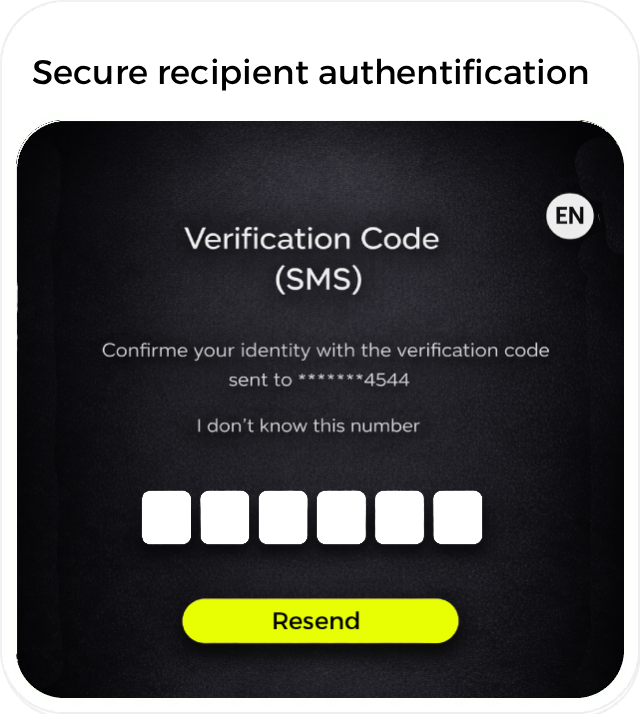
Secure recipient authentification
Ensure only the intended recipients can access your documents. doclinc offers three flexible authentication methods, allowing you to match the level of security to each document exchange — even when sharing with multiple recipients.
No size limits by email
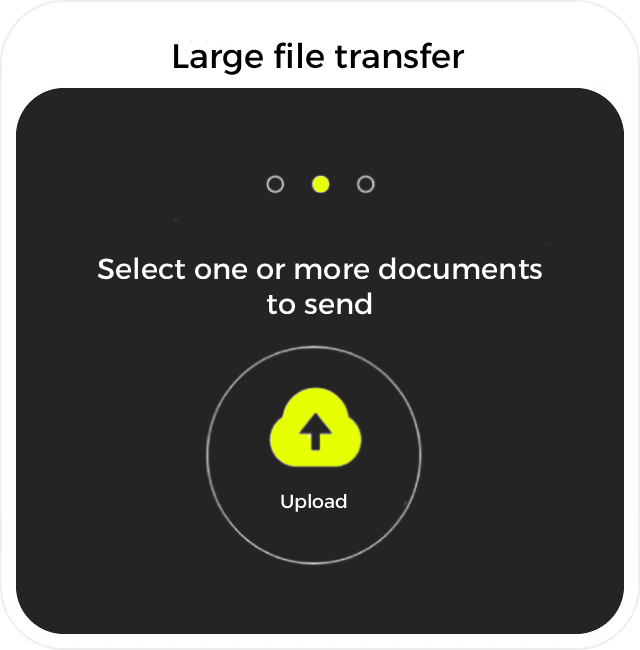
Large file transfers
Our platform lets you send and receive large, sensitive files without email attachment limits, by securely sharing files through protected links instead of attachments.

Seamless Integration
Seamless Microsoft 365 integration
Deploy doclinc across your Microsoft 365 environment in minutes. As a Microsoft-certified solution, doclinc can be centrally deployed to an entire tenant or selected security groups directly from the Microsoft 365 Admin Center.
Access confirmation
Delivery receipts & access confirmation
Know exactly when documents are delivered, opened, and downloaded. Automatically remind recipients when documents are missing or incomplete.
Custom branding
White-label & branding
Deliver a professional, branded experience aligned with your organization.

API
API support
Integrate doclinc with your internal systems and workflows via API.

Reduce data exposure at the source
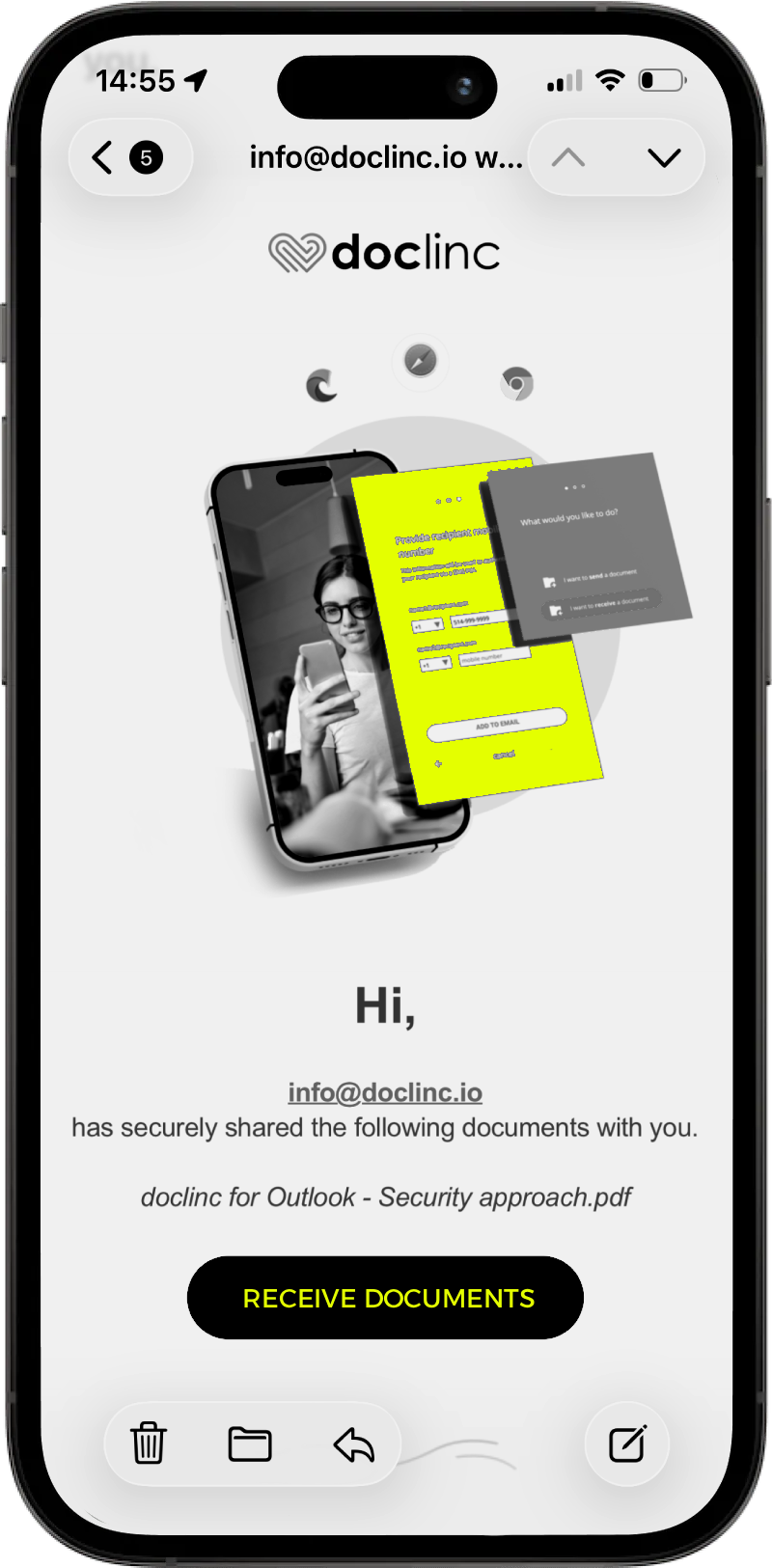

We support your onboarding with practical guidance and deployment assistance tailored to your environment.
Whether you’re a growing organization or a large enterprise, doclinc adapts to your scale and security requirements.
Frequently asked questions
Is doclinc secure for exchanging sensitive documents?
Do clients need to create an account or password?
Does doclinc work inside Outlook?
Is doclinc compliant with Law 25 and other privacy regulations?
What is the maximum file size clients can upload?
How does client authentication work?
Can doclinc be deployed across your entire Microsoft 365 tenant?
Does doclinc support white-label branding?
Where is data stored? Do you access our documents?
Does doclinc replace portals like ShareFile, WeTransfer or Dropbox?
Secure. Modern. Built for speed.
Give your teams and clients a simple, modern, compliant document experience — directly in Outlook.