Waves of Cyberattacks Targeting Accounting Firms: How to Secure Client Document Intake and Avoid Fake Microsoft Portals

Over the past few weeks, several accounting firms in Quebec have been targeted by a sophisticated phishing campaign. Cybercriminals used compromised email accounts to send clients fake links leading to pages that almost perfectly mimicked the Microsoft 365 login interface.
When victims entered their credentials, attackers gained access to their email accounts, allowing them to compromise additional mailboxes and expand the attack across other organizations.
This situation highlights a growing reality: traditional methods of receiving client documents — email attachments, shared links, or portals requiring passwords — no longer provide sufficient protection for accounting firms.
As cyberattacks become more targeted, firms must rethink how they collect sensitive client documents.
Why Cybercriminals Are Targeting Accounting Firms
Accounting firms are increasingly attractive targets for cybercriminals because they handle large volumes of sensitive financial and personal information.
Tax documents, financial statements, identification documents, and payroll data represent extremely valuable information for attackers.
Once a single email account is compromised, attackers can:
- Impersonate the firm
- Send fraudulent document requests
- Distribute malicious links to clients
- Access confidential attachments stored in mailboxes
This makes accounting firms an ideal entry point for broader phishing campaigns.
Why Fake Microsoft Portals Are So Effective
Phishing attacks that mimic Microsoft login pages are particularly effective because they exploit common habits and trusted interfaces.
These attacks typically rely on three weaknesses.
Passwords entered through email links
Whenever authentication relies on a clickable link received by email, the risk of phishing increases significantly.
Even experienced users can struggle to distinguish a legitimate Microsoft login page from a well-designed fake portal.
Document exchanges via email
Email remains the most common method for exchanging documents between firms and clients.
However, email was never designed as a secure document exchange channel. Messages can be intercepted, forwarded, or stored indefinitely in inboxes.
Lack of visibility and traceability
In many firms, it is difficult to track exactly who uploaded, accessed, or downloaded a document.
This lack of visibility makes it easier for phishing campaigns to spread unnoticed.
The Real Problem: Tools Not Designed for Secure Document Exchange
In most cases, security incidents are not caused by human error but by the use of tools that were never designed for transmitting sensitive financial information.
Common methods such as:
- Email attachments
- OneDrive or SharePoint links
- Shared folders
- Unauthenticated upload portals can create several security and compliance risks,
including:
- excessive retention of sensitive documents in email inboxes
- links accessible to “anyone with the link”
- weak or missing authentication
- limited control over the identity of the person accessing the documents
- confusion between internal and external collaboration environments
In a regulatory environment where privacy and data protection requirements continue to increase, these methods are becoming increasingly difficult to justify.
A Simpler Approach: Secure Client Document Intake
One effective way to reduce these risks is to remove passwords from the process entirely.
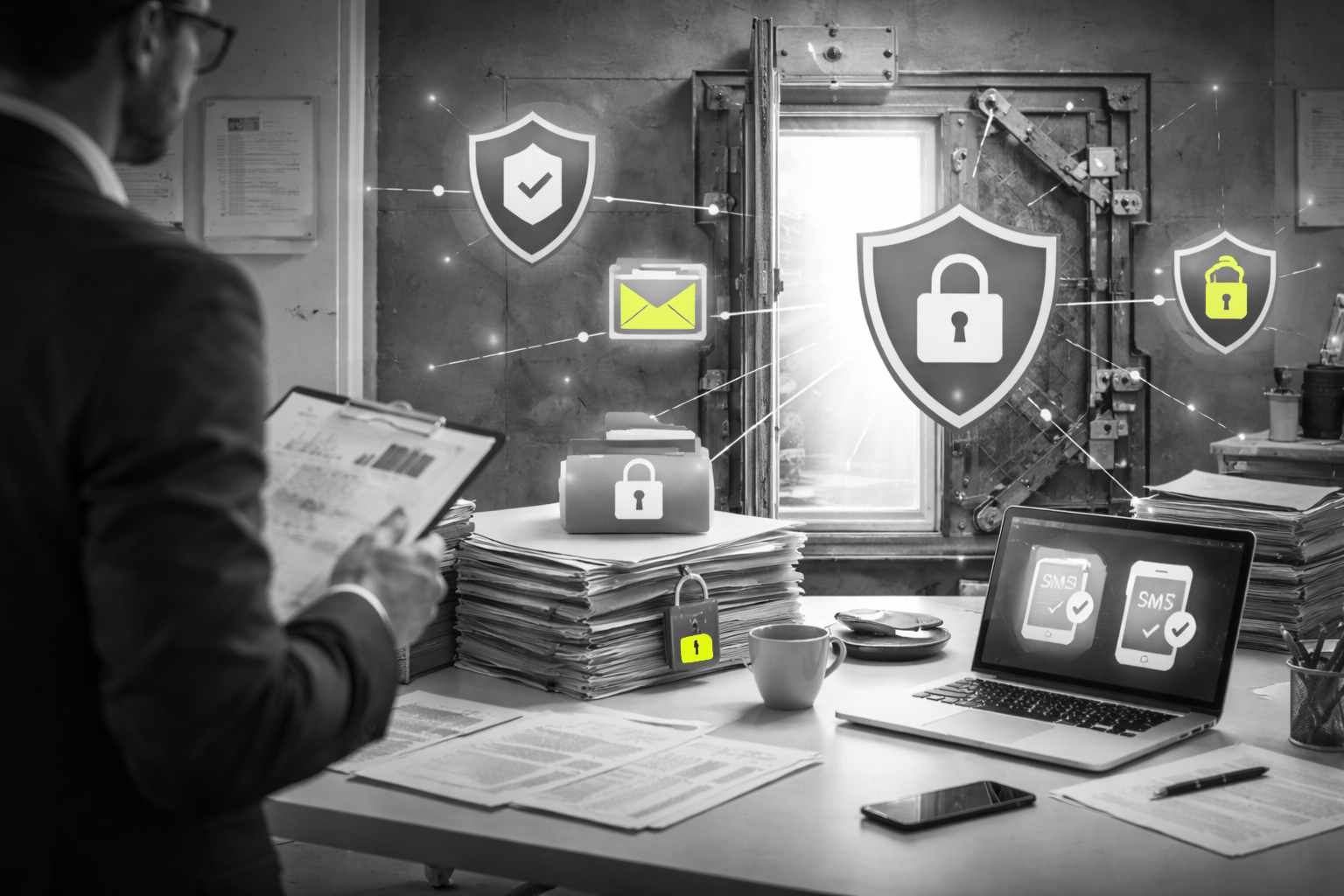
Modern secure document intake solutions allow firms to collect documents through controlled access links combined with strong authentication.
In this model:
- the client receives a unique secure link
- access is verified using an SMS code or automated phone call
- no Microsoft password is ever requested
- each access is logged and traceable
- documents automatically expire after processing
This approach significantly reduces phishing risks while simplifying the experience for both employees and clients.
Checklist: Protecting Your Firm from Fake Microsoft Portals
Accounting firms can reduce their exposure to phishing attacks by implementing a few practical security measures:
- Enable multi-factor authentication (2FA) on all firm email accounts
- Never enter passwords from links received by email
- Avoid sending sensitive documents through unencrypted attachments
- Centralize client document intake in a secure channel
- Limit the use of “anyone with the link” sharing permissions
- Adopt strong authentication when clients upload documents
Rethinking How Firms Receive Client Documents
As cyber threats continue to evolve, accounting firms must reconsider how they collect and manage client documents.
Secure document intake workflows reduce phishing risks, improve traceability, and simplify compliance with modern privacy requirements.
By modernizing document exchange processes, firms can better protect both their clients and their reputation.
doclinc helps accounting firms securely collect client documents through authenticated upload links directly integrated with Outlook — eliminating passwords, portals, and unnecessary friction for clients.
Frequently Asked Questions
Is email a secure way to receive documents from clients?
Email was not designed as a secure document exchange channel. Attachments can be forwarded, intercepted, or stored indefinitely in inboxes. If an email account is compromised, attackers may gain access to sensitive documents exchanged between a firm and its clients. For this reason, many accounting firms are moving toward secure document intake solutions with strong authentication.
Why are phishing attacks targeting accounting firms?
Accounting firms handle highly valuable financial and personal information such as tax returns, identification documents, payroll records, and financial statements. Cybercriminals know that compromising a single email account can allow them to impersonate the firm and launch phishing campaigns targeting clients and partners.
What is the safest way for clients to send documents to an accounting firm?
A secure document intake solution is typically the safest approach. These systems allow clients to upload documents through a unique access link where identity is verified using strong authentication, such as an SMS code or automated phone call. This removes the need for passwords and reduces the risk of phishing attacks.
How can accounting firms reduce phishing risks?
Accounting firms can reduce their exposure by enabling multi-factor authentication on all email accounts, avoiding password entry through links received by email, limiting shared links accessible to “anyone with the link,” and centralizing document intake through a secure and authenticated channel.